
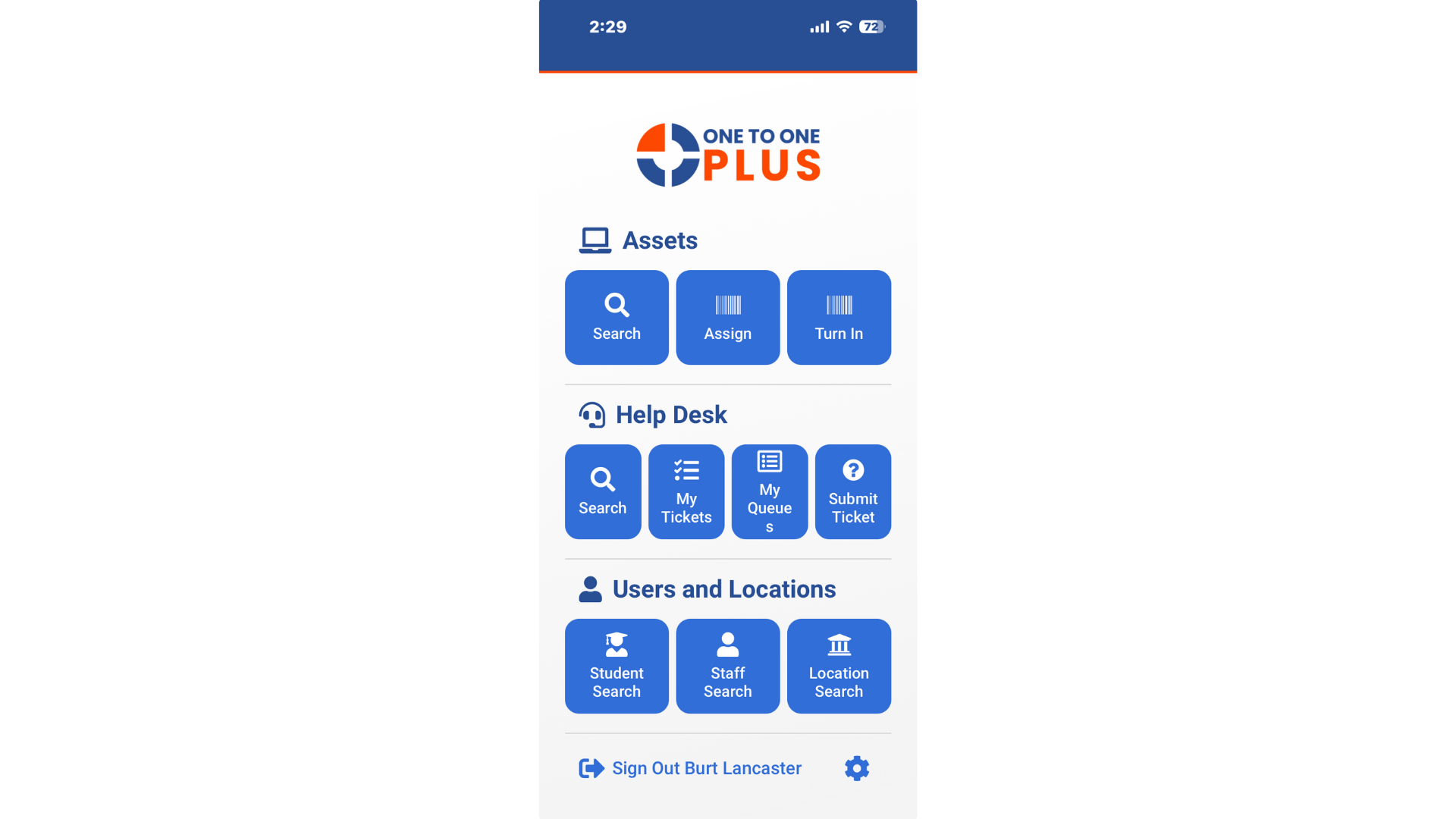
Mobile App Access
Manage on the Move
Purpose
Work Anywhere
Overview
Powerful Tools at Your Fingertips
Key Asset Management Capabilities
Access Device Details
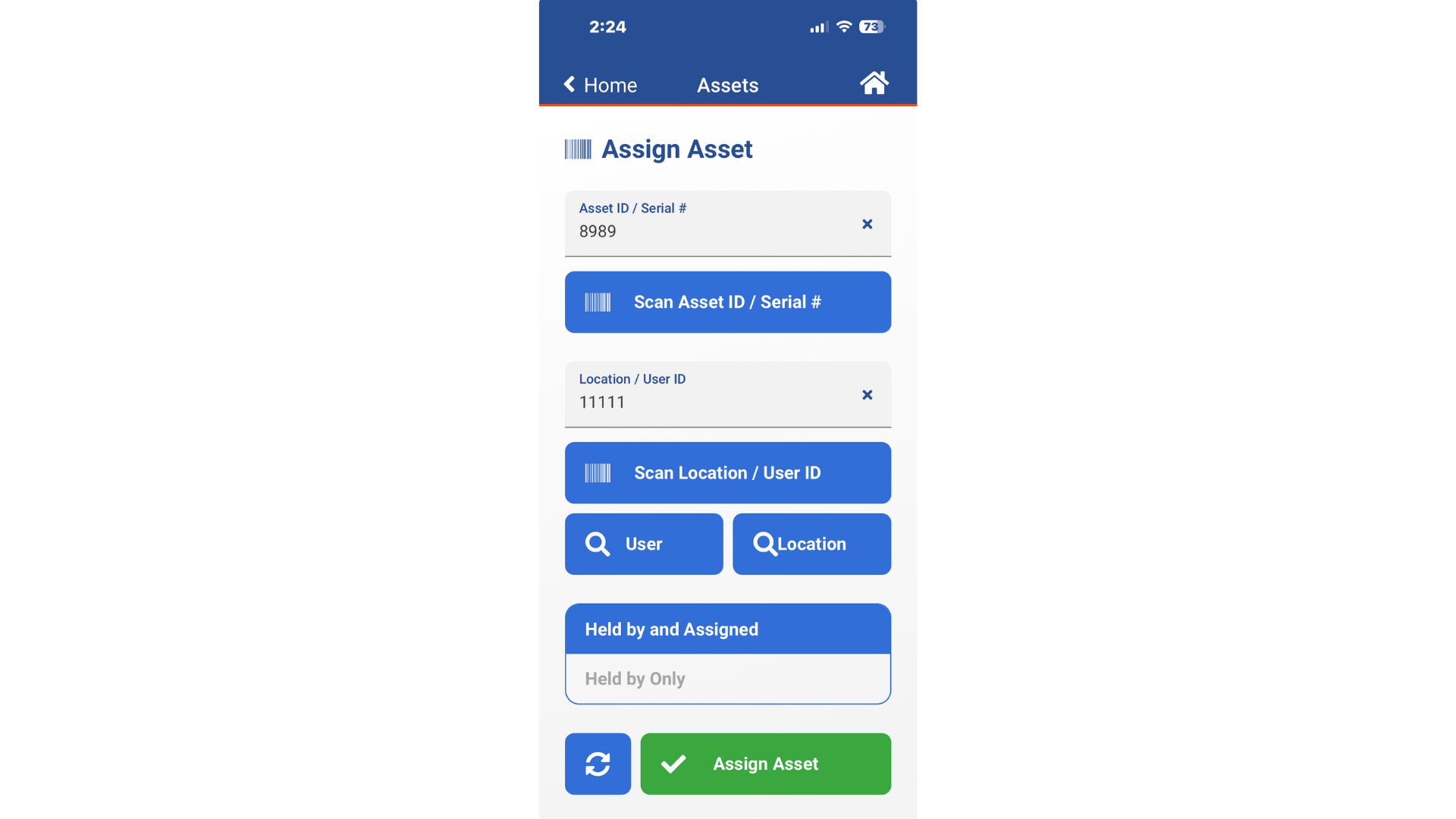
- Scan barcodes using your device’s camera to access detailed records
- Check device assignments and additional details on the spot
- Eliminate manual entry to improve accuracy and reduce errors
- Speed up device deployments and collections with rapid scanning
- Move devices between users, rooms, or carts directly from the mobile app
Update Tickets in the Field
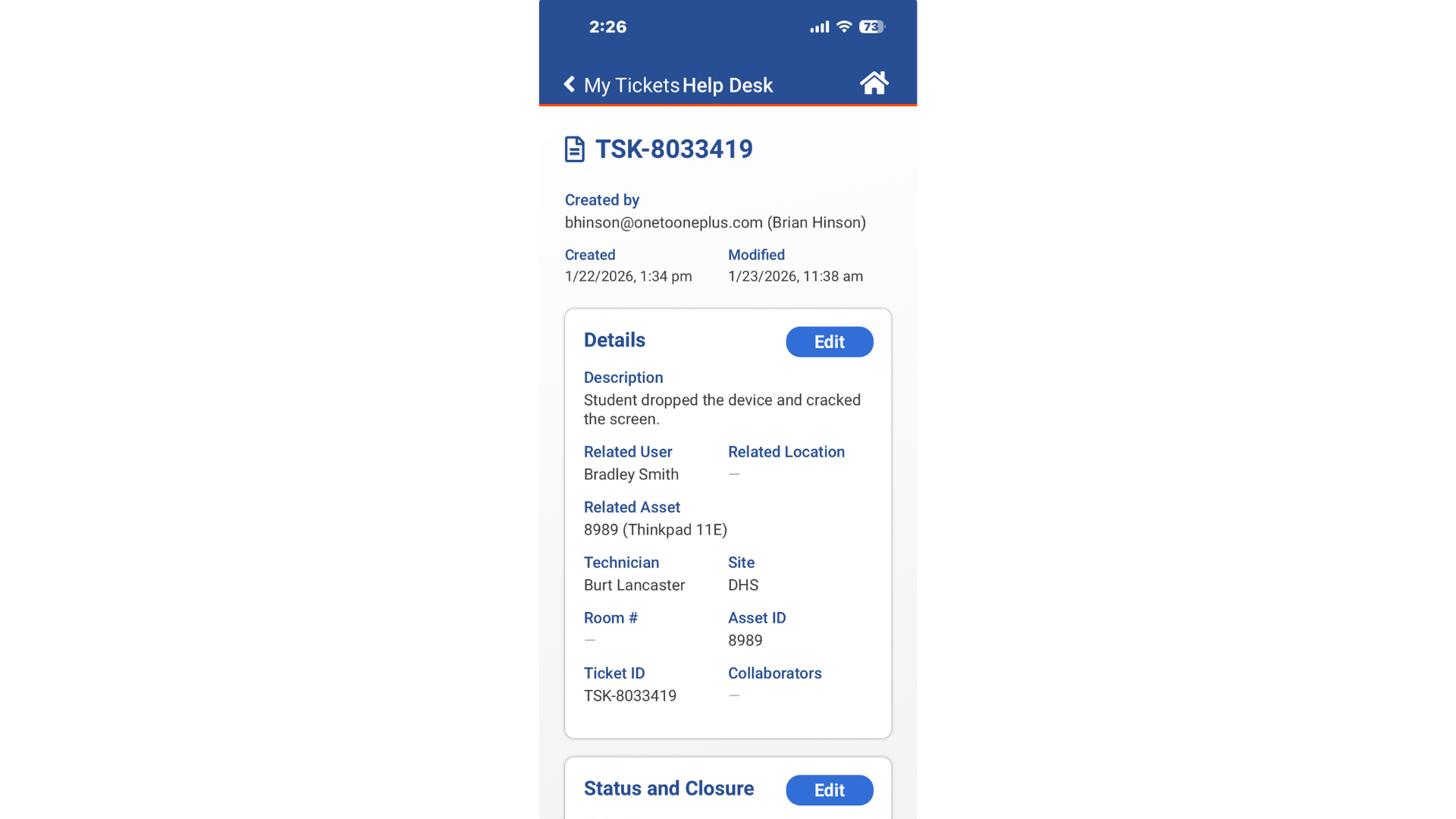
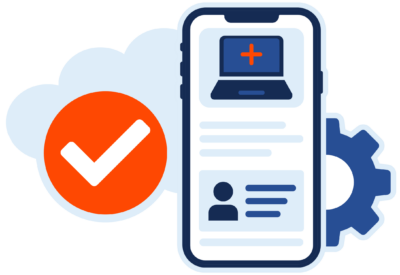
- Create, update, assign, or close tickets directly from your mobile device
- Add comments, status updates, and reassign tickets in real time
- Capture photos of damage or repairs and attach them instantly
- Add parts used for device repairs directly to the ticket from the app
- Keep ticket activity moving throughout the day for faster resolution
Track Assets on the Go
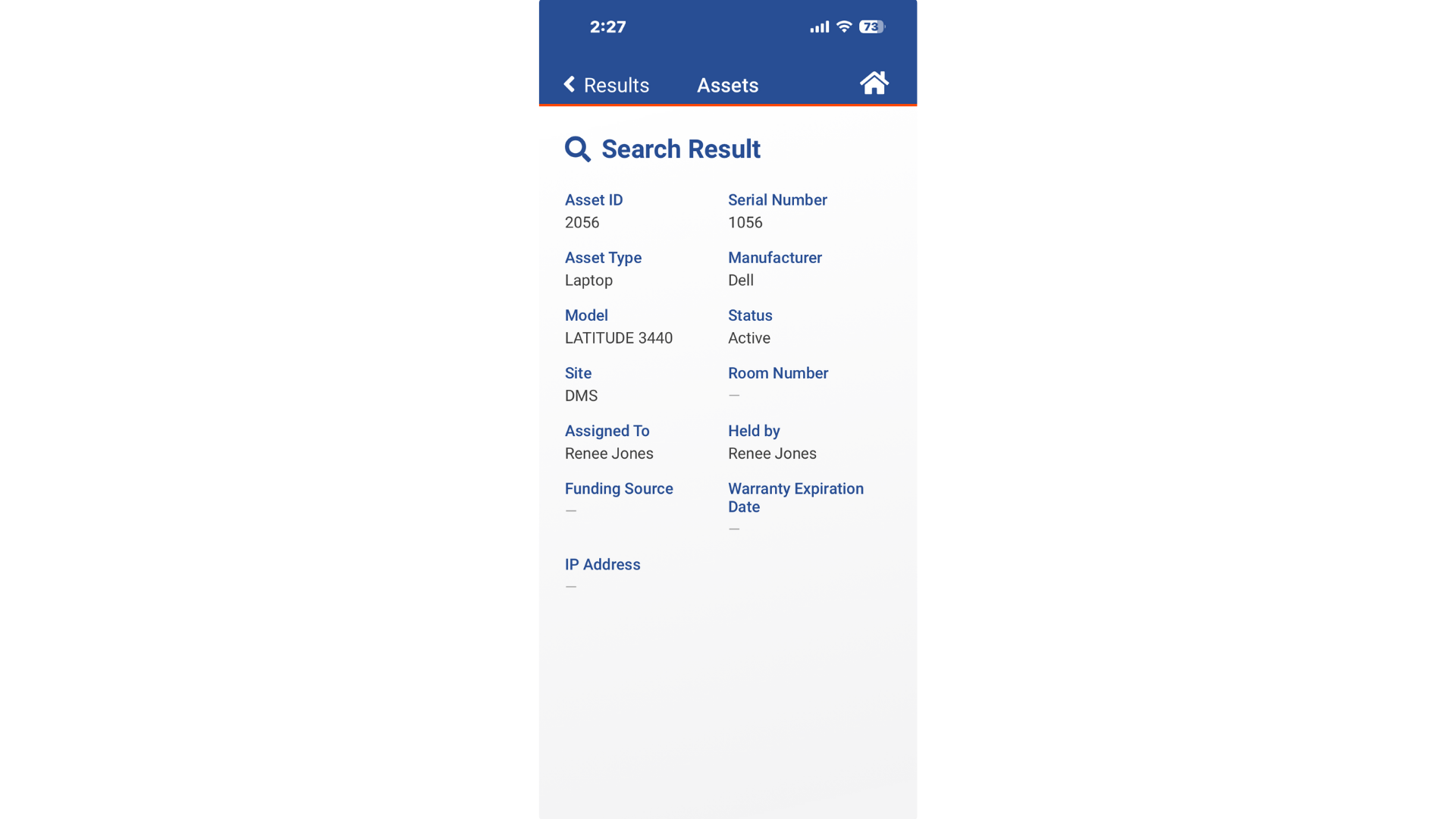
- View detailed information for any asset, including assigned user, device model, and purchase data
- Review complete device histories to support troubleshooting and accountability
- Update location or user assignments from anywhere
- Ensure real-time data accuracy with updates that sync immediately across the system
Capture Photos and Notes
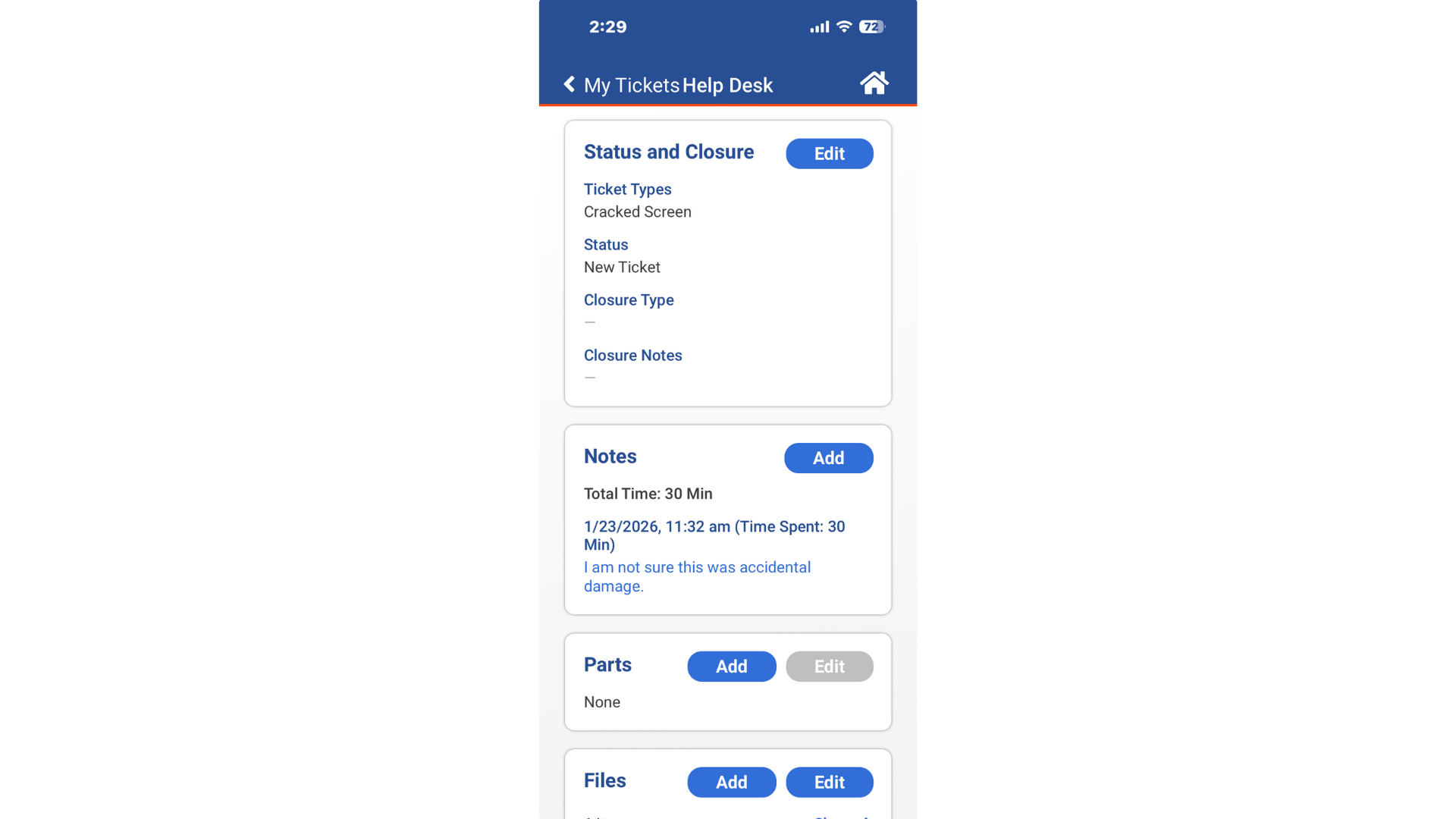
- Attach photos, videos, or notes to asset records or tickets from your mobile device
- Document damage or repairs with clear, time-stamped evidence
- Complete required fields or custom forms without returning to your desk
- Use built-in device tools to streamline documentation
- Keep records thorough and consistent for reporting
Support on the Move
- Access the features you use most from your mobile device
- Provide technicians with the tool they need during classroom visits, deployments or other on-site tasks
- Reduce downtime by completing tasks between sites or while in the field
- Empower staff to handle quick fixes without needing to return to their office
- Improve district-wide efficiency with a tool built for speed
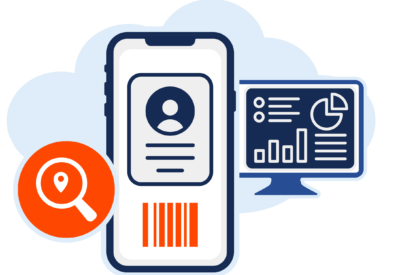
Scan
Scan and Access Devices
Update
Update Tickets Anywhere
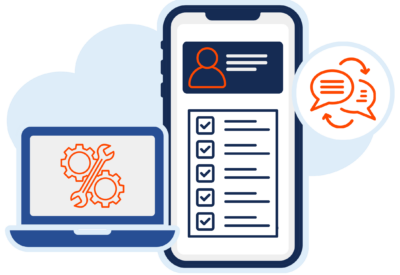
Accuracy
Improve Efficiency
Solution
Everything Works Together


Reviews
Our Customers Say It Best
“One to One Plus streamlined the process of tracking and checking in and out computers to students and teachers.”

Daniel Newman
Database Analyst
Hamblen County BOE
“One to One Plus makes keeping track of assets and invoices easy!”

Tracy McGill
Technology Tech II
Scotland County SD
“The biggest issue we face is trying to track our inventory and ticketing within one app. One to One Plus provides a customizable system that does just that.”

Tony Bliven
IT Systems Admin.
Quincy SD No. 172
“One to One Plus has streamlined our tech management by combining ticketing with our inventory.”

Karin Stuckart
Help Desk Tech
Indian Community School
“The mobile app has allowed us to go paperless and saved us a tremendous amount of time.”

Kerry Morgan
CTO
Kershaw County School District
“One to One Plus allows our entire team see everything in one place which has been incredibly helpful.”

Cathie Brock
Technology Specialist
Franklin County SD
Your Simpler System Starts Here

Custom Demo

Demo Videos
